HCI course project · Spring 2026
Gul
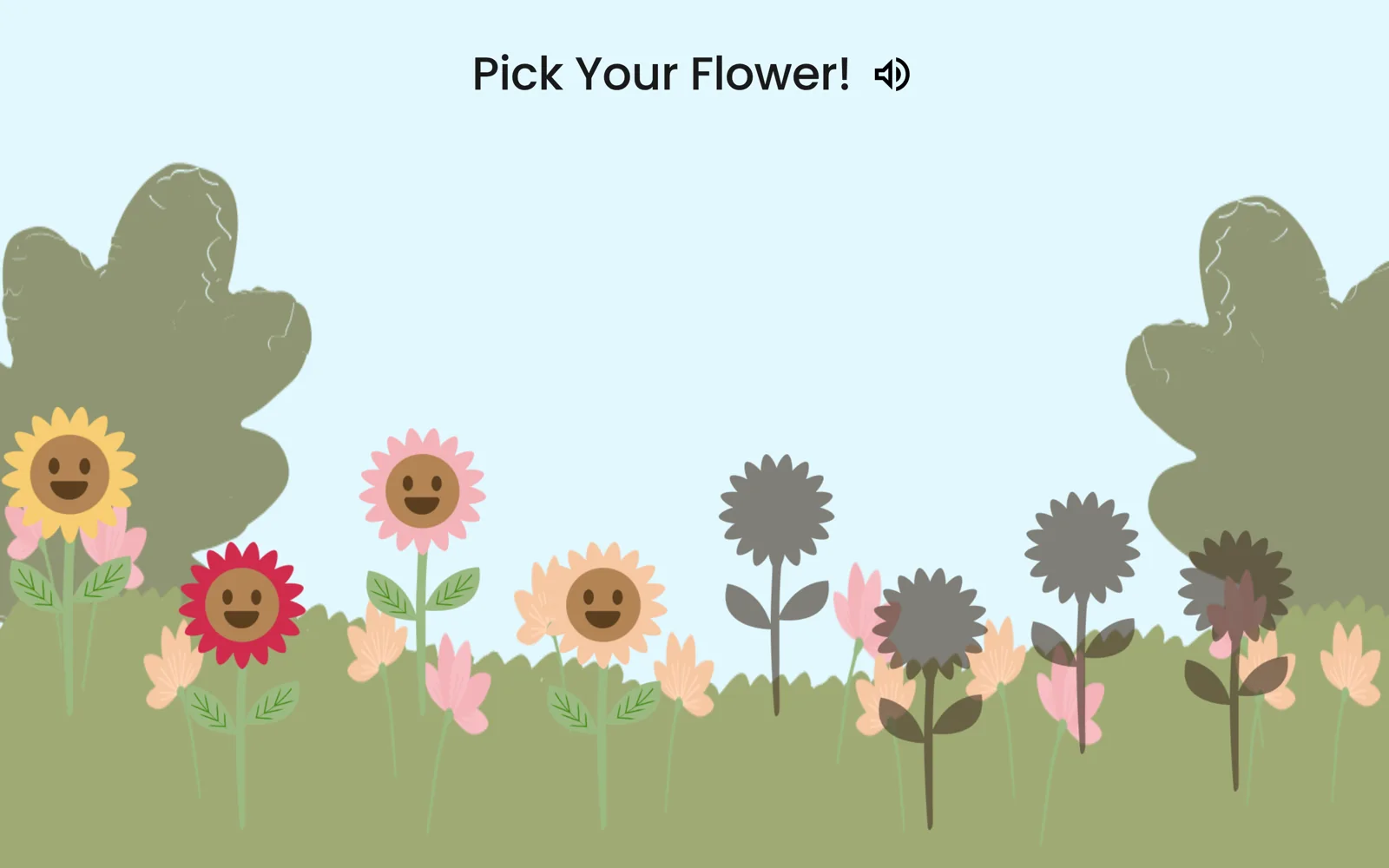
A digital garden where every child in orphanage care grows a flower that asks, in Urdu, how their day went.
- 7orphanages visited in 10 days
- 30 → 1ideas narrowed to Gul
- 13children & caregivers in usability tests
The problem
Pakistan has millions of orphaned children, and the homes that care for them are run by caregivers with no training in socio-emotional learning. Physical needs get met. Emotional ones mostly don’t: counselling, where it exists, is a weekly visit.
Research
go there, and sit on the floor
Over ten days in February we visited seven orphanages in Lahore, running semi-structured interviews with caregivers and founders, contextual inquiry, and gentle conversations with the children about their routines. With the youngest children, a formal interview shut them down completely, so we drew alongside them and talked about the drawings instead. I owned the literature review, four of the visits and the needs synthesis.
- Orphanages work hard to feel like home, using rigid routines for stability.
- The past is avoided. Caregivers steer away from children’s histories, so emotions have nowhere to go.
- Money, staff and devices are scarce, so any solution has to run on shared hardware and fit the timetable.
The needs that came out: belonging, a safe outlet for hard feelings, predictability, validation that doesn’t make the past taboo, and an adult who is consistently there.
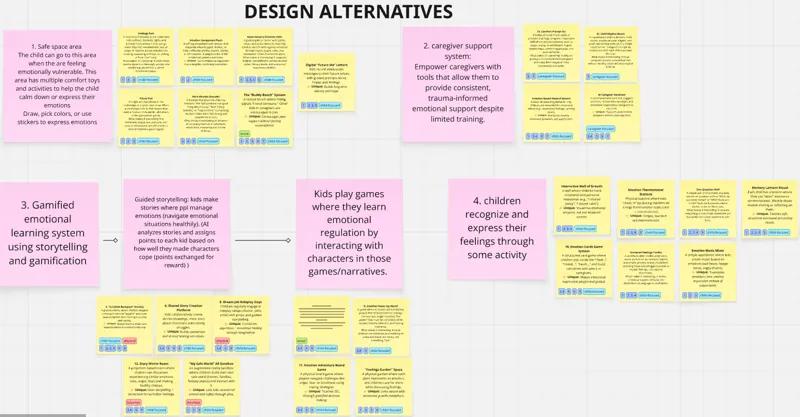
The idea
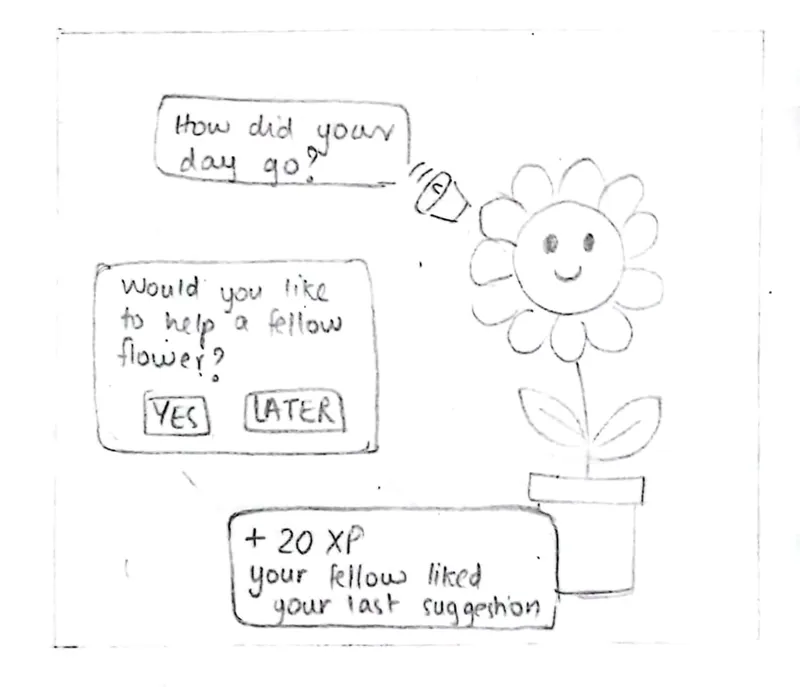
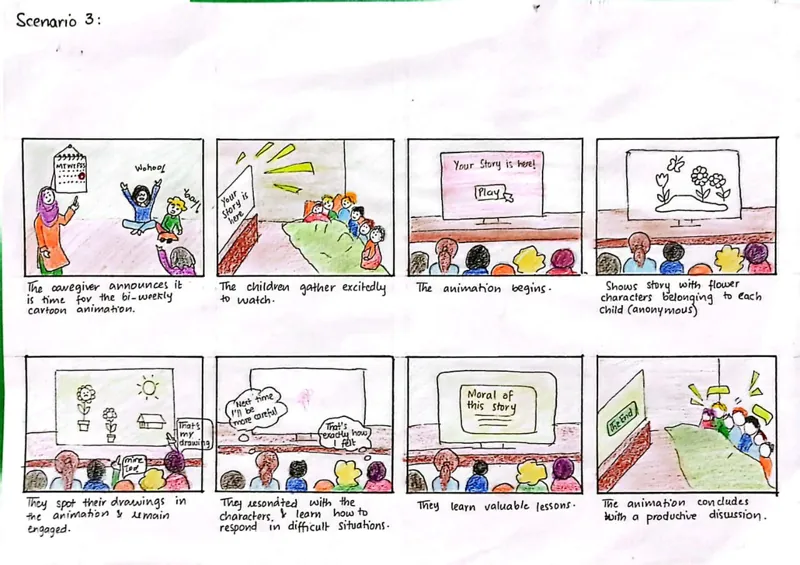
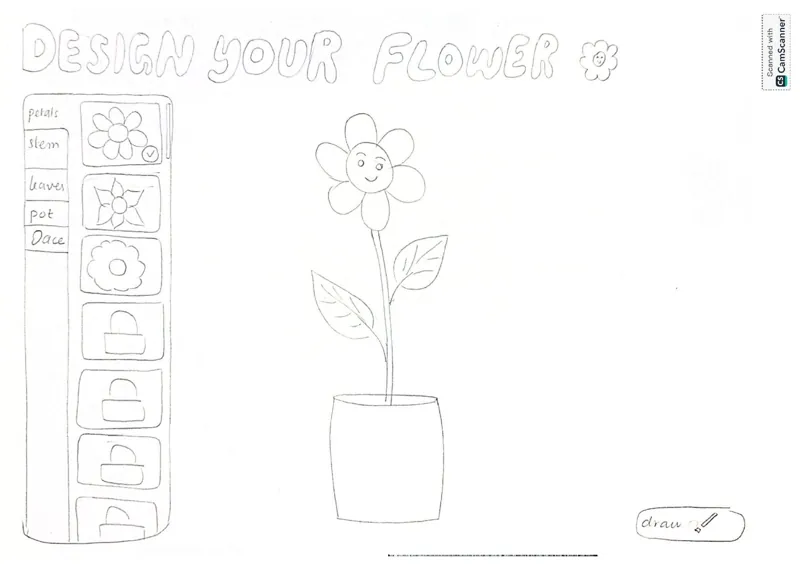
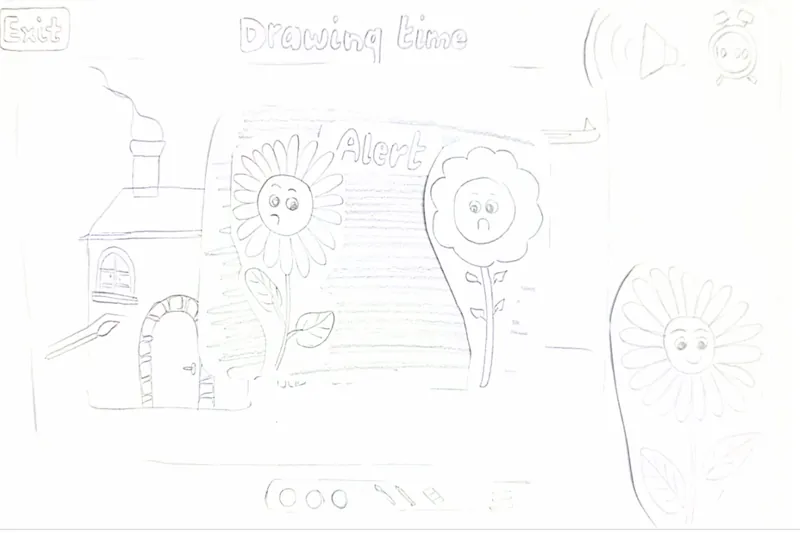
Every child customises their own flower in a shared garden. Twice a week, the flower asks them to draw their day, then talks with them about it in Urdu: “What did you draw here? How did it make you feel?” It validates first, then suggests.
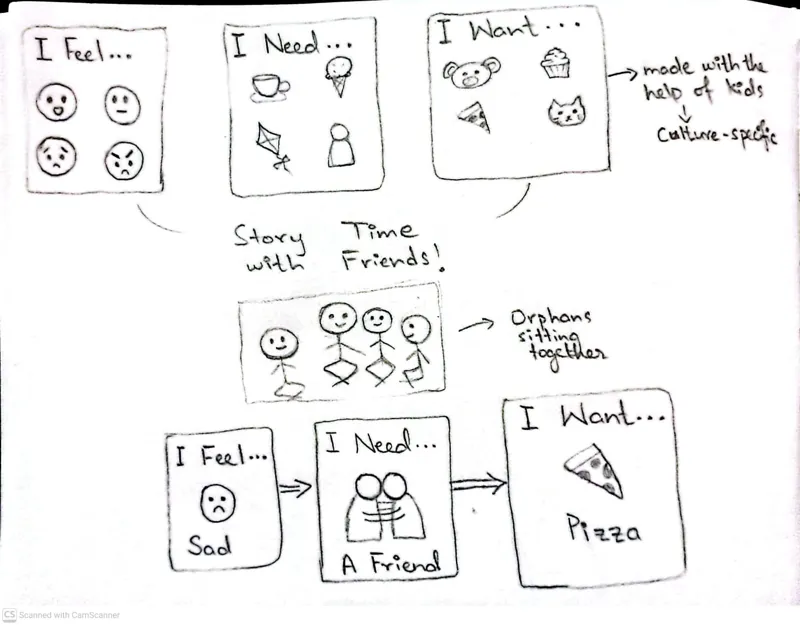
- Multimodal by design: voice, emotion stickers, drag-and-drop scenes and audio narration of every word, for children who can’t yet read or use a mouse well.
- Help a Friend: a struggling child’s flower can anonymously ask another child for advice, who earns points for answering.
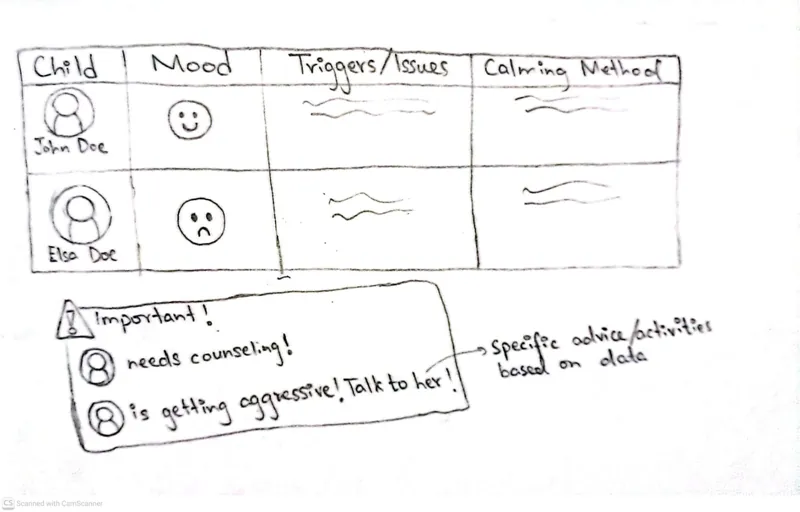
- A caregiver board: each child’s mood, triggers and calming methods, every two weeks, to support trauma-informed care.
Testing on paper
I built a modular paper prototype, with large screens and cut-out components we could move around mid-session, and tested it with two children aged 7 and 11, one with Urdu audio guidance and one without. The child without audio got stuck designing the flower but breezed through the pot, because the pot screen used icons. Both got lost leaving the drawing screen. Both asked for pictures instead of words.
High fidelity, and what broke
The children’s flows became a React web app, because Figma couldn’t support a real drawing canvas. The caregiver board stayed a Figma prototype. We tested with nine children aged 6–12 and four caregivers.
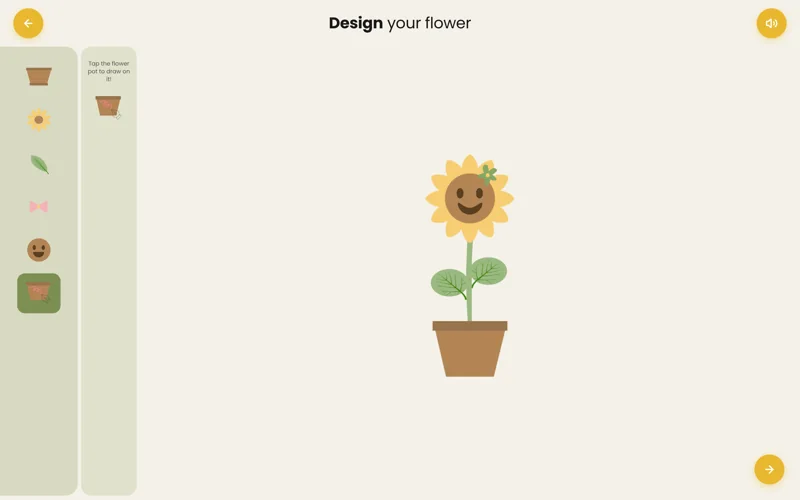
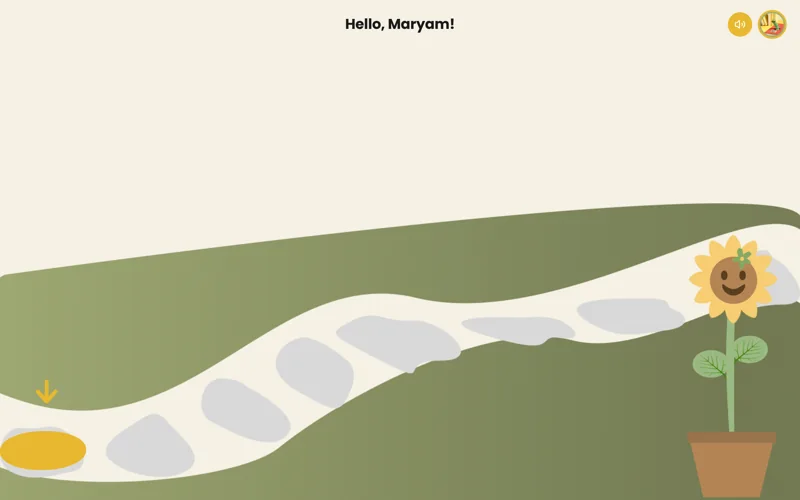
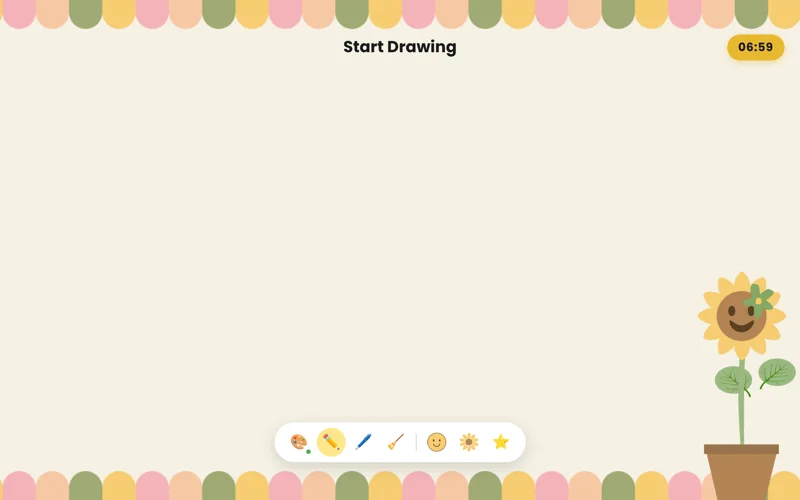
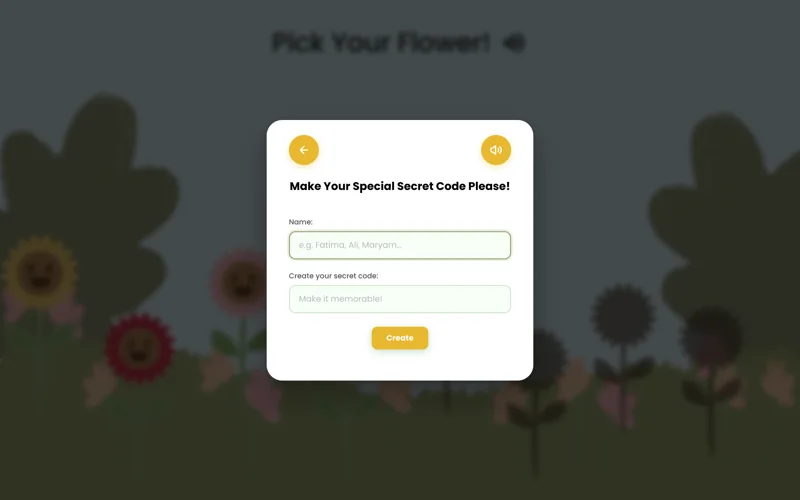
One girl, told to click the button neechay (below), searched the bottom of the laptop, not the screen.Usability testing at an orphanage in Lahore
Children’s actual tech literacy was far below what caregivers had told us. Many couldn’t reliably click, drag or use a touchpad, and adult signifiers like buttons, icons and spatial words largely failed. The conversational prompts worked best when they adapted to age: short and repetitive for younger children, direct for older ones.
What we’d change
- Lock children into one task until it’s done, with no back-navigation to get lost in.
- Pair every signifier with sound: pulsing buttons, audio cues, a spoken prompt.
- Make tutorials interactive and required, and move all setup to caregivers.
- Teach the AI children’s own words through participatory sessions.